An Update On Apple's Indexing Message in iOS 27 Developer Beta 3
Hi, and welcome to any readers joining us from Cupertino. (Quick reminder to myself: Stale Plastic's techie readership rounds to one person, and it's me. But a guy can dream.)
Apple's New "Indexing in Progress" Message Is Missing One Thing proposed some ways Apple could reduce the uncertainty around the search indexing process — a progress bar, a task list, and a paused-state indicator. Yesterday's iOS 27 Developer Beta 3 shipped something close to the simplest concept. It's worth a quick look, because the fix partially answers the original question and raises a new one.
After installing the update, indexing restarted, and the "Optimizing Search and Siri" message reappeared in Settings with a slightly new appearance, but with no percentage and no timestamp attached to it. So the original problem showed up again: is this actually doing anything, or is it stuck?
That screen sat there, unchanged, for about a day. Then, roughly 26 hours after the update installed, a number appeared: 94%, with "Last updated: 1 hour ago" underneath it. A minute later, checking again, the timestamp had already refreshed to "1 minute ago."
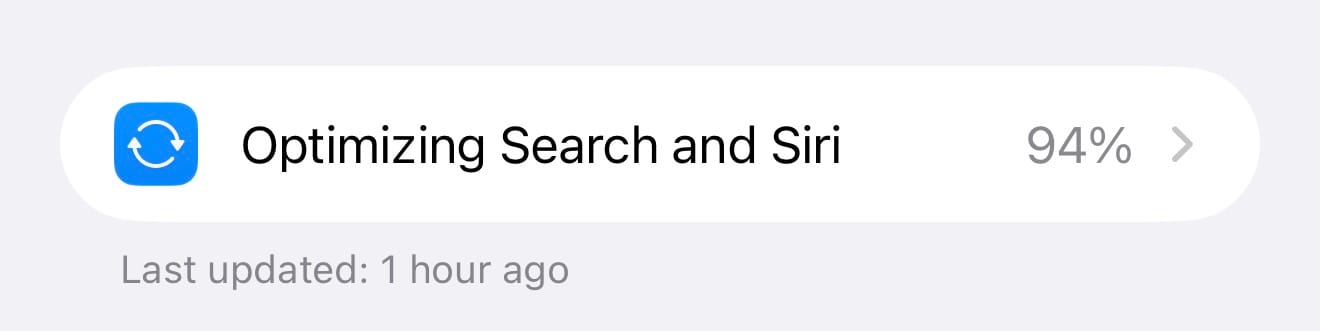
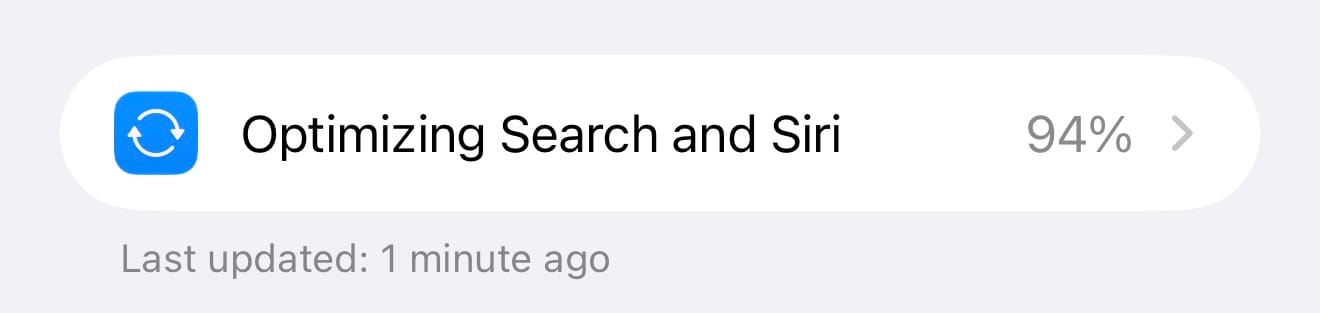
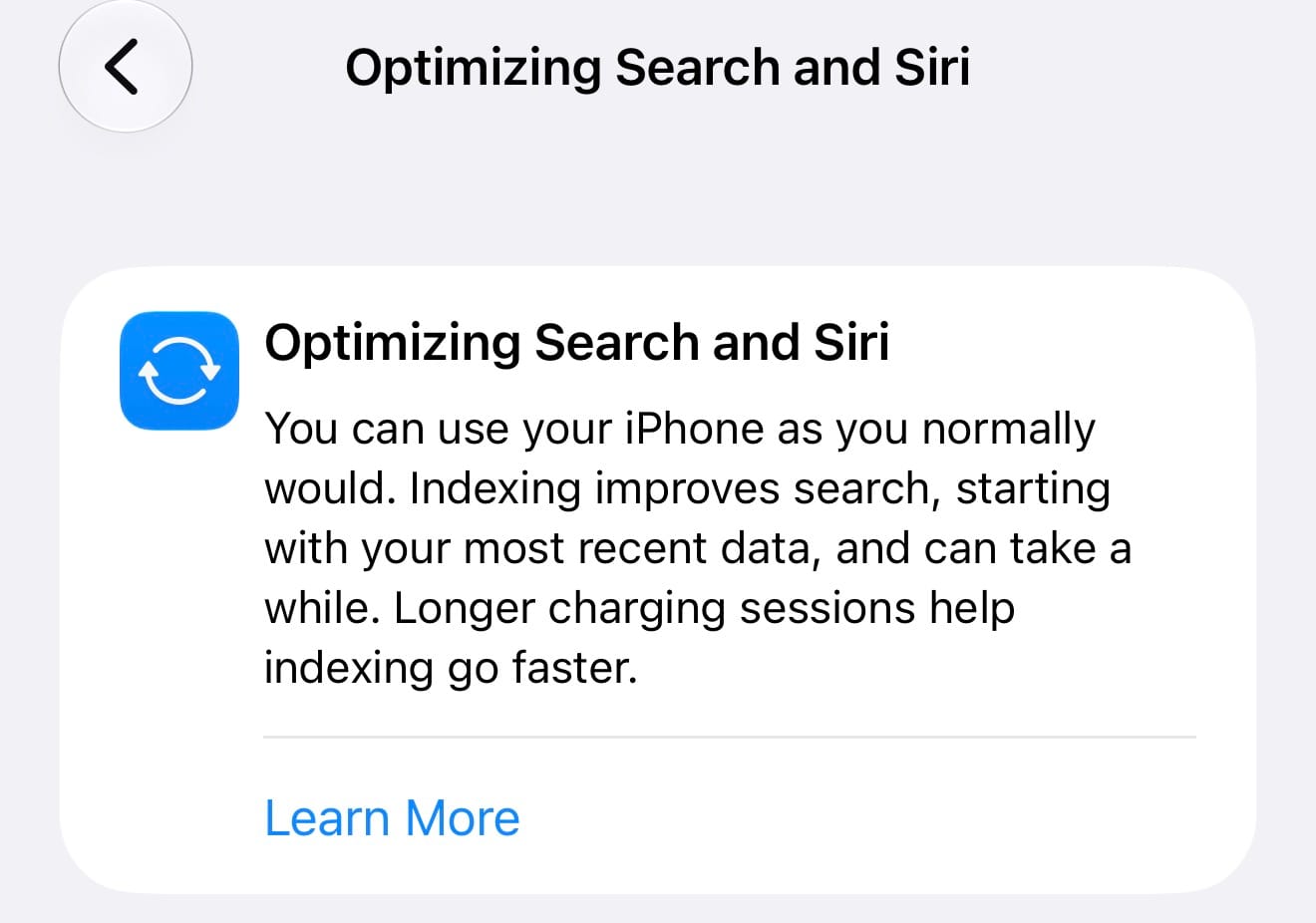
That "Learn More" link leads to a 404. I presume that article will go live when iOS 27 is released to the public this fall.
Taken on its own, this is the fix I was asking for. But the day-long gap before any of that appeared is the same uncertainty I wrote about. For roughly 26 hours, the Settings screen offered no progress or paused state indication. The paused-state concept I proposed assumed indexing would eventually explain why it's paused and what to do to unpause it. What actually happened is something was happening the whole time, apparently, since a percentage eventually appeared nearly at the end. The interface just didn't report on it yet.
Is there a fixed delay before the tracker starts reporting? A threshold that has to be crossed first? A completed first pass of some kind, after which Apple decides the estimate is trustworthy enough to show? Any of those would be a reasonable engineering decision. None of them are visible from the Settings app, which means the user can't currently tell if something is happening, or how long it will happen for, or if it's paused, or how to resume it if it's paused... and so on.
It's tempting to say that Apple "half-listened," — Apple did implement the interface element I suggested, which is more responsive than most feedback gets.
But as I said, good design reduces uncertainty. This update reduced it for the last 6% of the process.
Filed feedback again. At this rate it's becoming a bit.